Logging with Log4j and SLF4J
Harry
· 11 Sep 2026
· 11 views
Why Log?
System.out.println is not logging. A logging framework gives log levels, formatters, file output, rotation and the ability to turn categories on and off at runtime. This section covers the classic stack: SLF4J (the API) with Log4j (the implementation).

Setup Steps (without Maven)
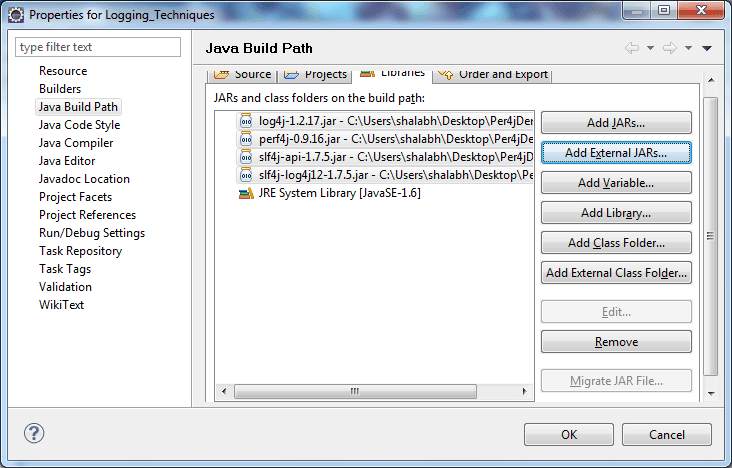
- Download slf4j-api, slf4j-log4j12, log4j and log4j-core JARs.
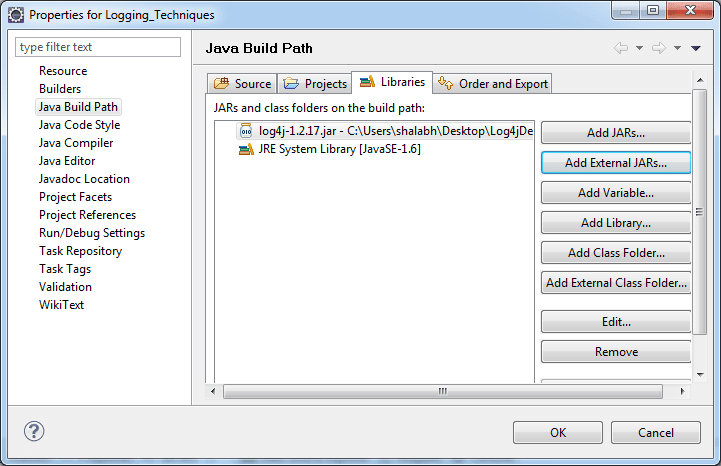
- Add them to the project build path.
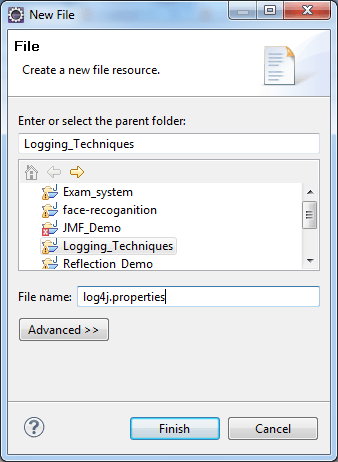
- Create a
log4j.propertiesfile.
log4j.properties
log4j.rootLogger=DEBUG, console, file

log4j.appender.console=org.apache.log4j.ConsoleAppender
log4j.appender.console.layout=org.apache.log4j.PatternLayout
log4j.appender.console.layout.ConversionPattern=%d %p %c - %m%n

log4j.appender.file=org.apache.log4j.FileAppender
log4j.appender.file.File=app.log
log4j.appender.file.layout=org.apache.log4j.PatternLayout
log4j.appender.file.layout.ConversionPattern=%d %p %c - %m%n
Place the file in the classpath (usually src folder of the project).
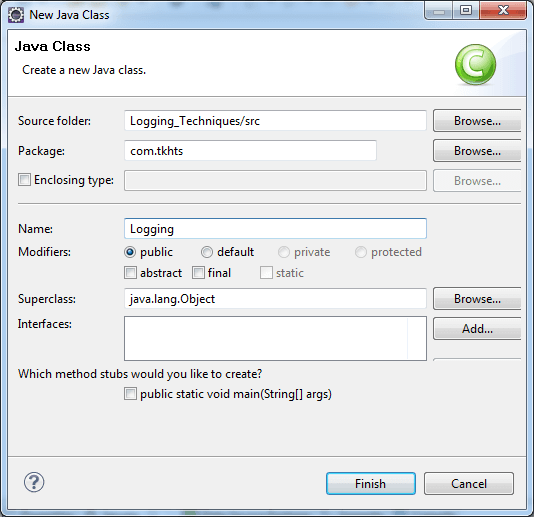
Logging from Your Code
import org.slf4j.Logger;
import org.slf4j.LoggerFactory;

public class App {
    private static final Logger log = LoggerFactory.getLogger(App.class);

    public static void main(String[] args) {
        log.debug("Entering main");
        log.info("App started with args: {}", args.length);
        try {
            int x = 10 / 0;
        } catch (ArithmeticException e) {
            log.error("Division failed", e);
        }
    }
}
SLF4J Bindings
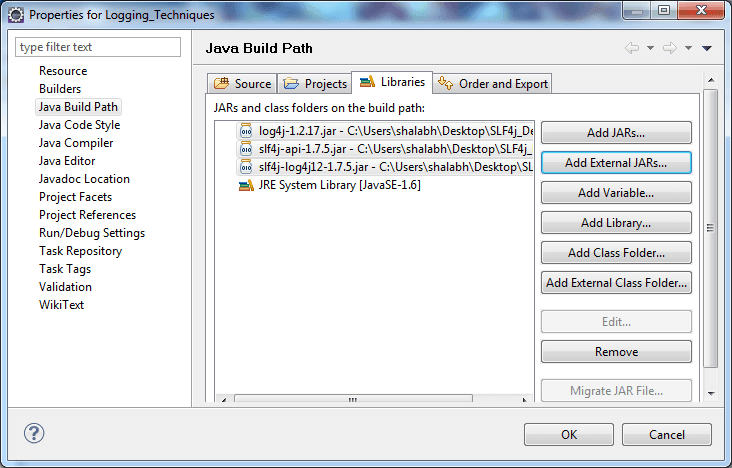
SLF4J is only a facade. You plug in an implementation by adding the matching binding JAR. With Log4j that binding is slf4j-log4j12.
Perf4J adds @Profiled annotations to timing-log method calls on top of SLF4J and Log4j.
Key Points
- Use SLF4J as the API so you can swap the implementation later.
{}placeholders avoid string concatenation inlog.debug.- Log stack traces with
log.error(msg, exception)rather than printing them yourself.