JMF: Java Media Framework
Harry
· 11 Sep 2026
· 10 views
What is JMF?
Java Media Framework (JMF) is an older Sun API that lets Java programs capture, play, process and stream audio and video. It was designed for desktop applications and applets; media is handled through Manager, players and processors.

Setup
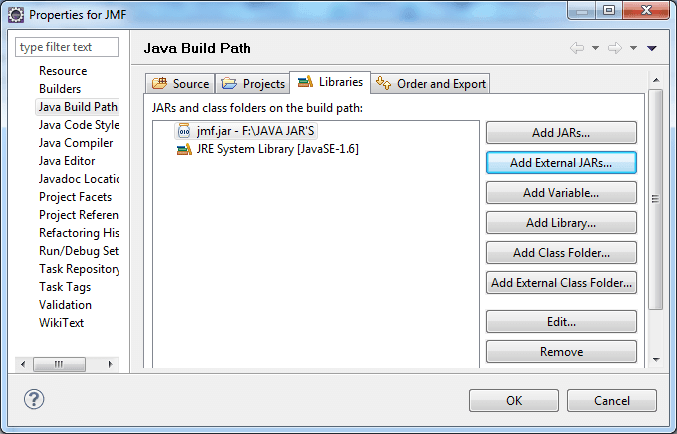
Download JMF and add jmf.jar to the build path.
Playing a Media File
import javax.media.*;
import java.net.URL;

public class PlayVideo {
    public static void main(String[] args) throws Exception {
        URL url = new URL("file:/C:/media/sample.wav");
        Player player = Manager.createPlayer(url);
        player.start();
        javax.swing.JFrame f = new javax.swing.JFrame("Media");
        f.setSize(400, 300);
        f.setVisible(true);
        f.add(player.getVisualComponent());
    }
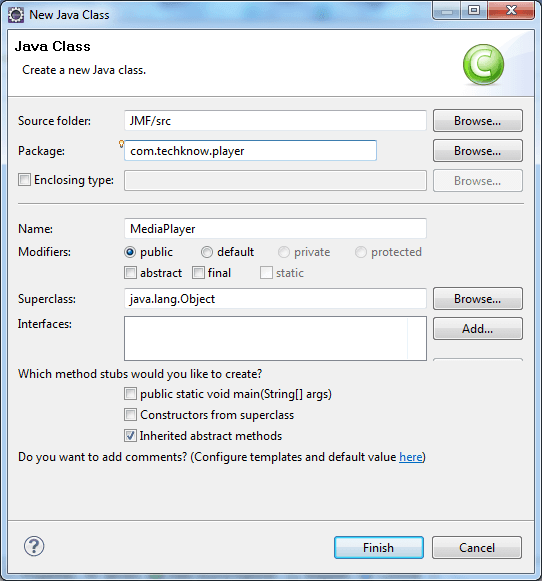
}
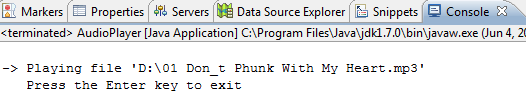
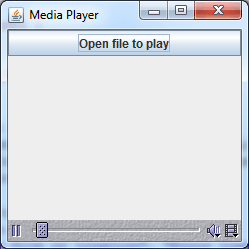
Running the program displays the media window and plays the sound.
Capturing Audio
import javax.media.*;
import javax.media.format.AudioFormat;

CaptureDeviceInfo dev = CaptureDeviceManager.getDevice("JavaSound audio capture");
Processor processor = Manager.createProcessor(dev.getLocator());
processor.configure();
processor.start();
Additional examples play different clips depending on the media available on the machine.
Key Points
Manager.createPlayer()is the entry point for playback.Manager.createProcessor()is used for capture and processing.- Add the player's visual component to a Swing container to show video.