What Is WinSCP?
Harry
· 13 Sep 2026
· 2 views
The Classic Windows File Transfer Tool
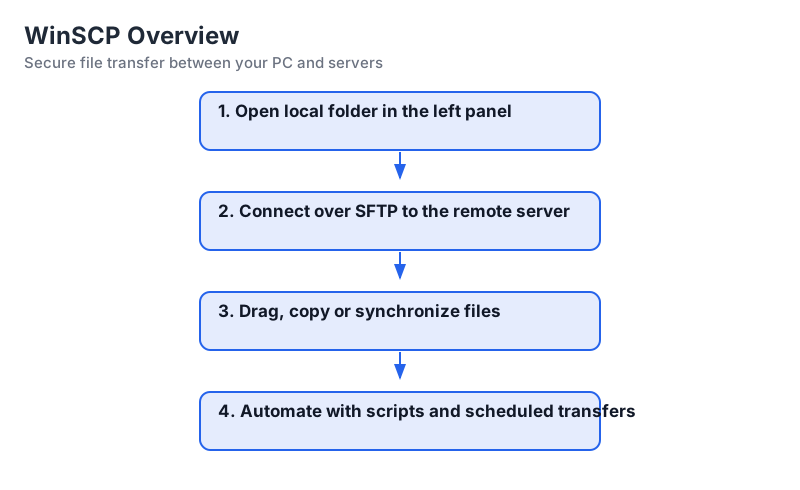
WinSCP is a free Windows application for moving files between your computer and remote servers. It supports SFTP (SSH File Transfer Protocol), FTP, FTPS, SCP and WebDAV, which makes it useful whether your server runs Linux, Windows or a cloud VM.
Why People Use It
- Secure by default - SFTP tunnels everything through SSH.
- Familiar interface - Two panels, like a file explorer.
- Automation ready - Scripts and command-line options.
- Integrated tools - Built-in editor and synchronization.
Key Capabilities
Besides plain uploads and downloads, WinSCP supports directory synchronization, batch file transfers through scripting, SSH terminal sessions and shared sessions stored for reuse. It also integrates with PuTTY and Pageant, so SSH keys stay in one place.
Where WinSCP Fits
Deploying web applications, editing configuration files on servers, handling backups, moving logs around and automating nightly report transfer are the everyday jobs WinSCP is built for.
Key Points
- WinSCP covers SFTP, FTP, FTPS, SCP and WebDAV.
- Its two-panel layout mirrors a normal file manager.
- Scripting makes repetitive transfers reproducible.
- SSH key support keeps logins password-free and safe.