Graphics and 3D: Canvas and OpenGL
Harry
· 11 Sep 2026
· 8 views
2D Canvas Drawing
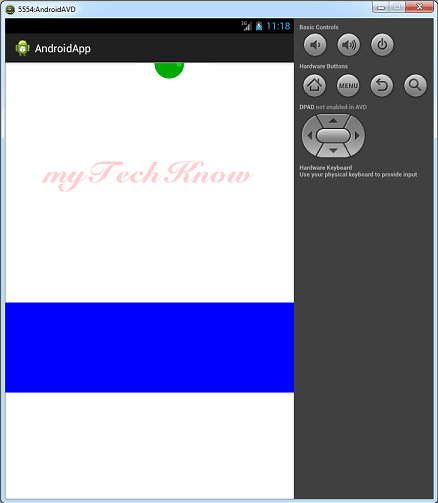
Override onDraw(Canvas) in a custom View to paint shapes, text and bitmaps:
@Override
protected void onDraw(Canvas canvas) {
    Paint p = new Paint();
    p.setColor(Color.RED);
    canvas.drawCircle(cx, cy, 40, p);
    p.setTextSize(28);
    canvas.drawText("Graphics", 50, 120, p);
}
SurfaceView
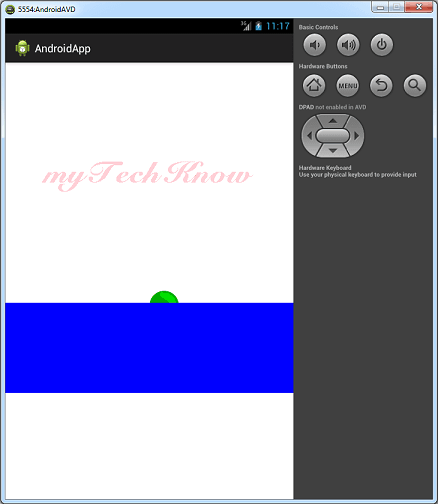
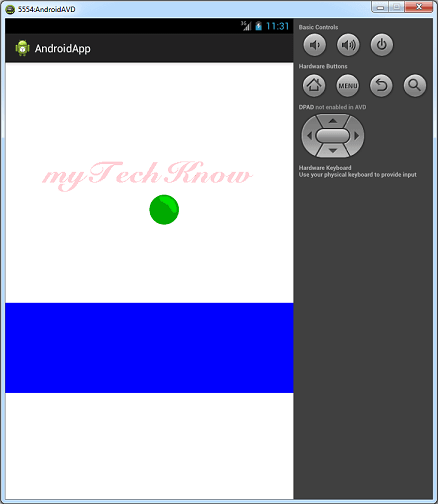
SurfaceView allows drawing from a background thread - essential for smooth animations (a bouncing ball):
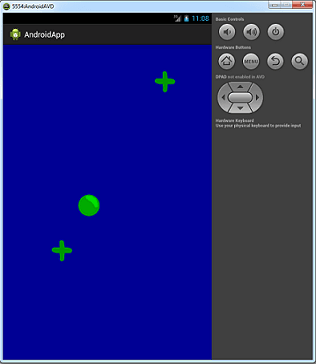
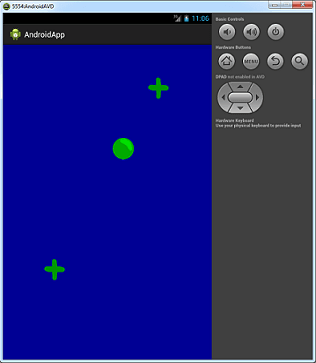
A ball bounces left then right between frames:

OpenGL ES
OpenGL ES does hardware-accelerated 2D/3D. A triangle is the classic first object:
gl.glBegin(GL10.GL_TRIANGLES);
gl.glColor4f(1, 0, 0, 1);
gl.glVertex3f(0, 1, 0);      // top
gl.glVertex3f(-1, -1, 0);    // bottom left
gl.glVertex3f(1, -1, 0);     // bottom right
gl.glEnd();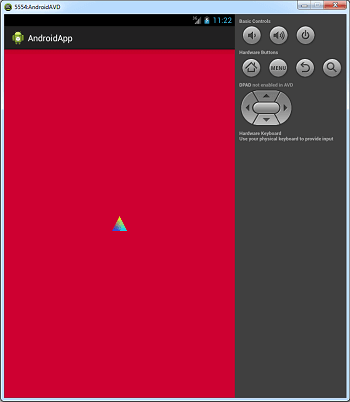
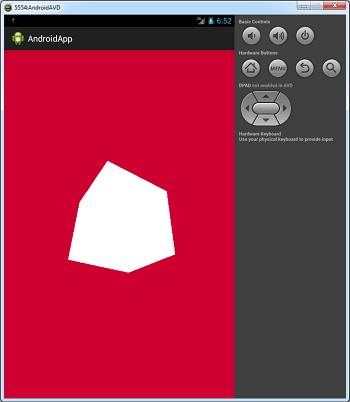
Textured and colored cubes exercise texture mapping:
Splash Art
Bitmaps can be scaled and drawn frame-by-frame for splash screens:

Key Points
- Canvas is for 2D; SurfaceView for animated 2D.
- OpenGL ES handles 3D with vertex and texture data.
- Redraw only what changes to keep animations smooth.