Data Storage: SQLite and Preferences
Harry
· 11 Sep 2026
· 10 views
Storage Options
- SharedPreferences - small key-value settings.
- Internal storage - private files inside the app sandbox.
- SQLite database - structured relational data.
- External storage - shared public files on the SD card.
SharedPreferences
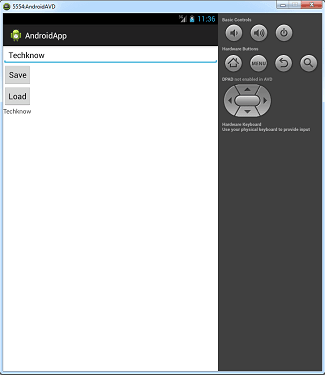
Save and read simple settings with one instance:
SharedPreferences prefs = getSharedPreferences("app_settings", MODE_PRIVATE);
prefs.edit().putString("user", "nisha").apply();
String user = prefs.getString("user", "");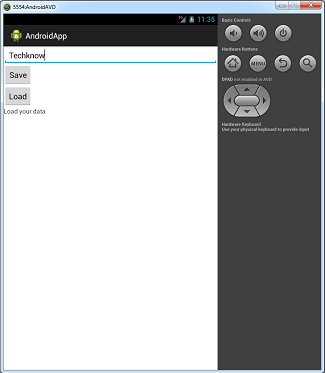
Internal Storage
Read and write private files:
FileOutputStream fos = openFileOutput("notes.txt", MODE_PRIVATE);
fos.write(text.getBytes());
fos.close();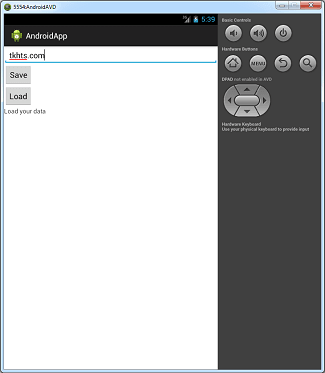
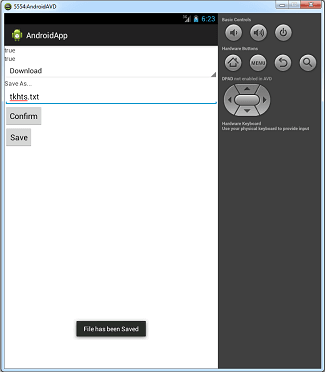
External Storage
Files visible to other apps (needs WRITE_EXTERNAL_STORAGE permission):
File dir = Environment.getExternalStorageDirectory();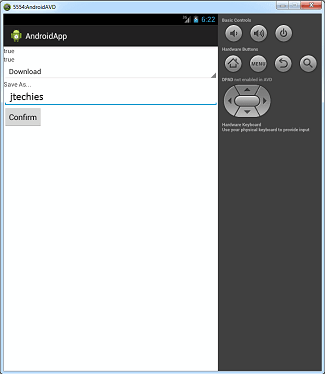
SQLite Database
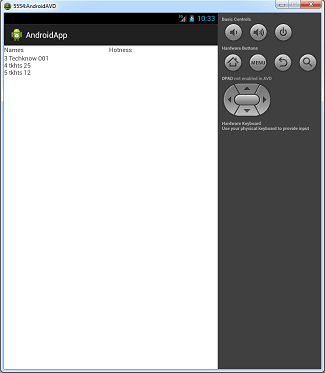
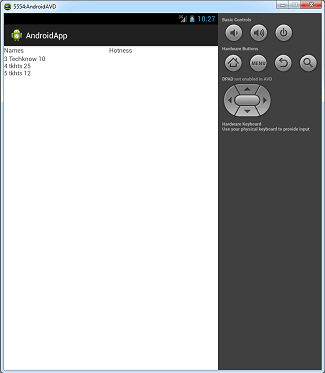
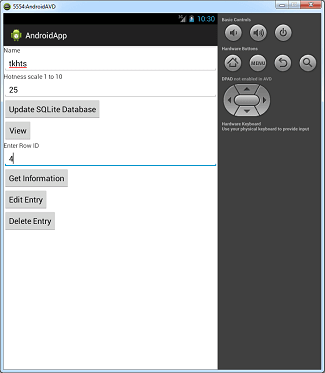
Create tables with SQLiteOpenHelper and run CRUD through a database object:
db.execSQL("CREATE TABLE IF NOT EXISTS students (id INTEGER PRIMARY KEY, name TEXT, grade INTEGER)");
ContentValues v = new ContentValues();
v.put("name", "Nisha"); v.put("grade", 10);
db.insert("students", null, v);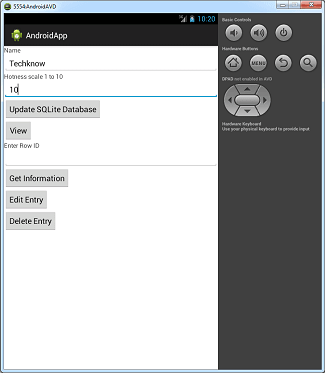
Key Points
- Use SharedPreferences for settings, SQLite for structured data.
- Internal storage is private; external storage is world-readable.
- CursorAdapter links SQLite queries to ListViews.