Your First Android App
Harry
· 11 Sep 2026
· 10 views
Project Structure
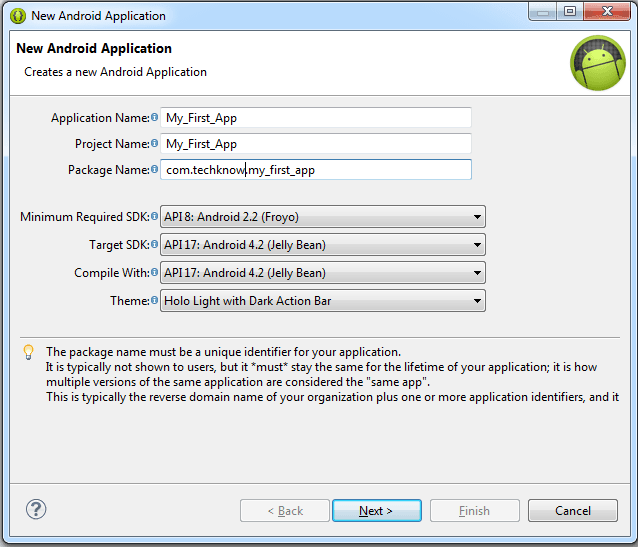
A new Android project contains a manifest, the Java source (an Activity) and resources in res/ (layouts, strings, drawables). The layout XML defines the screen.
The Layout
A simple layout places a text view and a button:
<LinearLayout xmlns:android="http://schemas.android.com/apk/res/android"
    android:layout_width="match_parent"
    android:layout_height="match_parent"
    android:orientation="vertical">
    <TextView
        android:id="@+id/hello"
        android:layout_width="wrap_content"
        android:layout_height="wrap_content"
        android:text="Hello, Android!"/>
    <Button
        android:id="@+id/btn"
        android:layout_width="wrap_content"
        android:layout_height="wrap_content"
        android:text="Click Me"/>
</LinearLayout>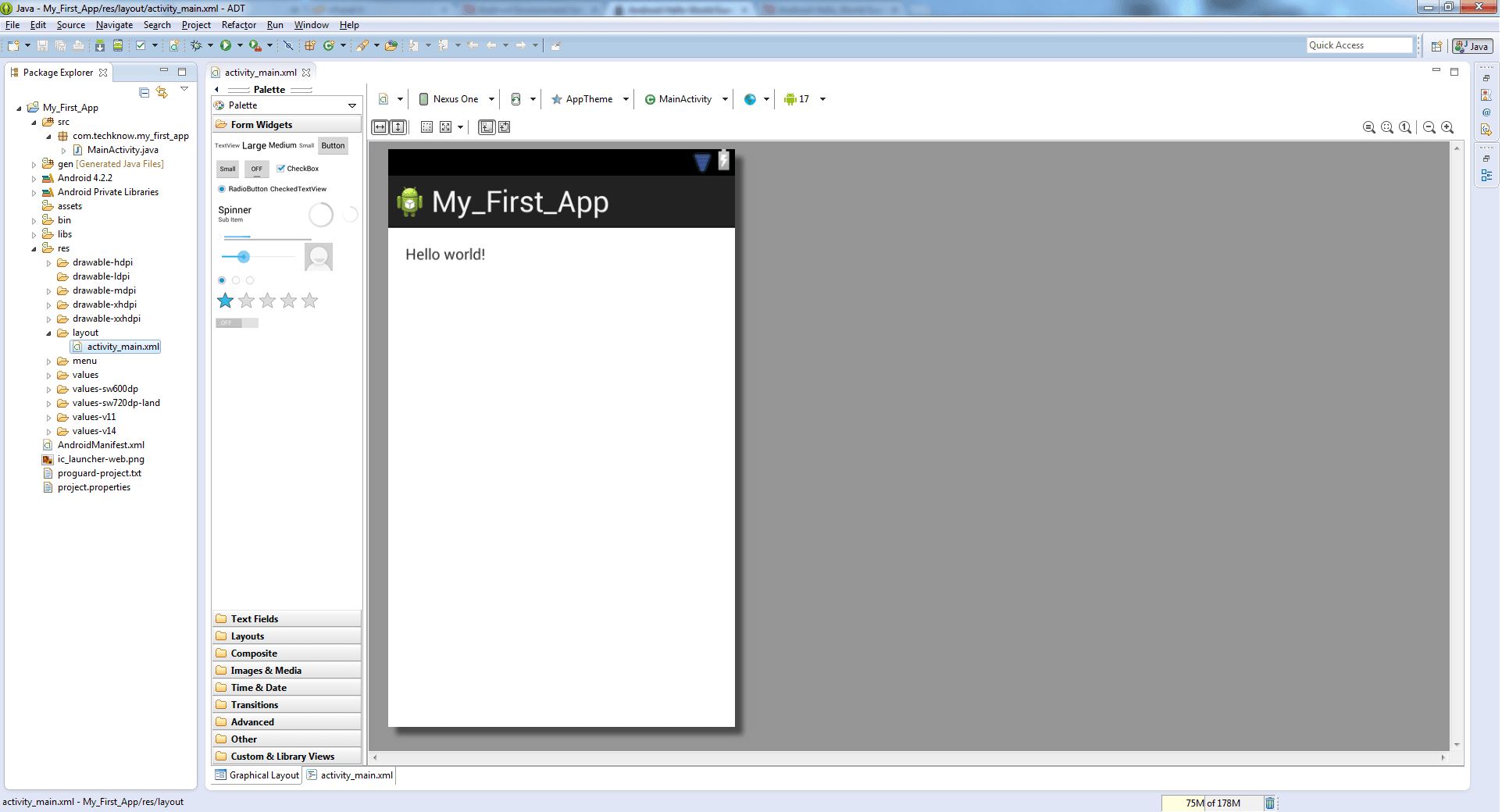
The Activity
public class MainActivity extends Activity {
    @Override
    protected void onCreate(Bundle savedInstanceState) {
        super.onCreate(savedInstanceState);
        setContentView(R.layout.activity_main);
    }
}
Run It on the Emulator
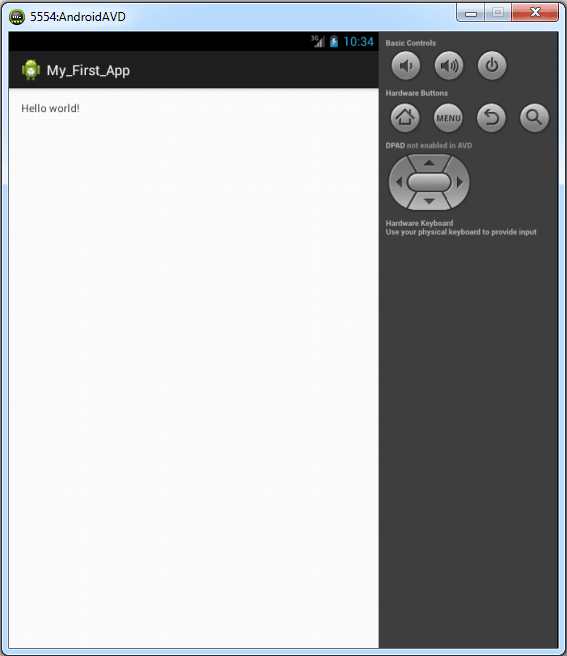
Launch the AVD and run the app; the emulator shows the layout and you can interact with it.
Key Points
- setContentView(R.layout.xxx) binds the Activity to its layout.
- Views are described in XML inside res/layout.
- The emulator gives instant feedback before real hardware.