Profiles and Shells
Harry
· 13 Sep 2026
· 2 views
What a Profile Is
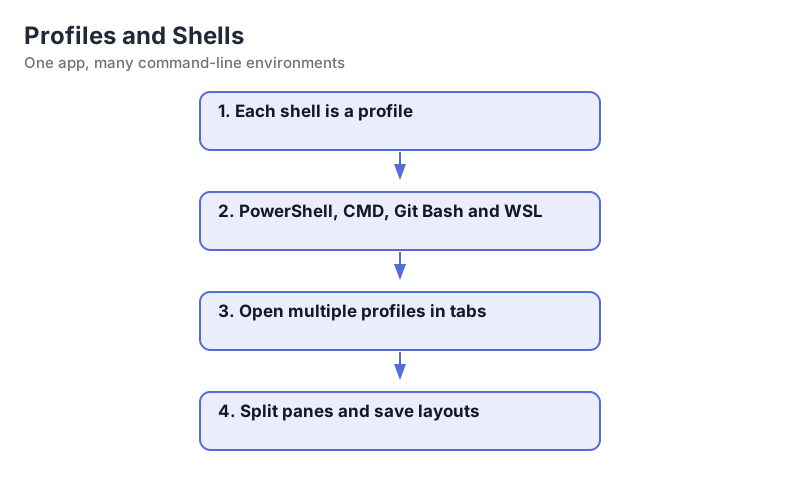
A profile is a named configuration that launches a specific command line. PowerShell 7, Windows PowerShell, CMD and each WSL distro arrive as ready-made profiles.
Adding Git Bash
{
  "name": "Git Bash",
  "commandline": ""C:\Program Files\Git\bin\bash.exe" -l",
  "icon": "C:\Program Files\Git\mingw64\share\git\git-for-windows.ico"
}
Add a profile object to profiles.list, and it appears in the dropdown immediately.
Per-Profile Settings
Each profile can set its own color scheme, font, starting directory, opacity and icon. The Defaults block applies to every profile unless overridden.
Profile Ordering and Hiding
profiles.default settings control which profile shows first. Set hidden: true to remove a profile you never use from the menu while keeping it configurable.
Key Points
- Profiles launch specific command lines.
- Git Bash and WSL profile easily.
- Defaults plus per-profile overrides compose cleanly.
- Menu clutter is reduced with hidden profiles.