Branching and Merging
Harry
· 13 Sep 2026
· 2 views
What Branches Are For
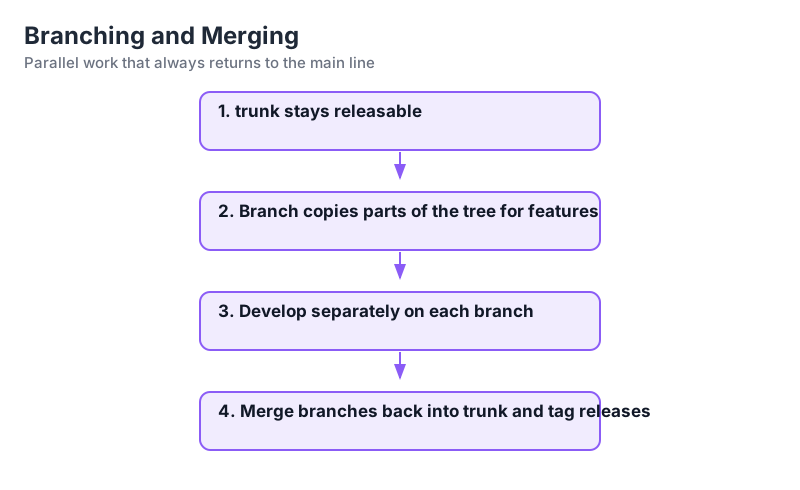
Branches let several lines of work proceed in parallel: a feature branch for a big change while trunk stays releasable, or a release branch frozen for fixes while trunk moves forward.
Create a Branch
Copying in SVN is cheap and immediate:
svn copy svn://server/project/trunk svn://server/project/branches/feature-login -m "Branch for login feature"Switch a Working Copy
svn switch svn://server/project/branches/feature-loginSwitch points your existing working copy at another URL, keeping uncommitted local changes intact.
Merge Back to Trunk
svn switch svn://server/project/trunk
svn merge svn://server/project/branches/feature-login
svn commit -m "Merge feature-login into trunk"
Release Branches and Tags
svn copy svn://server/project/trunk svn://server/project/tags/1.0.0 -m "Tag 1.0.0"Tags are frozen copies; no one commits to them directly.
Key Points
- Branches isolate work from the main line.
- Copy is instant, so branches are cheap.
- Switch changes which URL your working copy tracks.
- Tags record exact release snapshots.