Multi-View, Split and Compare
Harry
· 13 Sep 2026
· 1 views
Multi-Document View
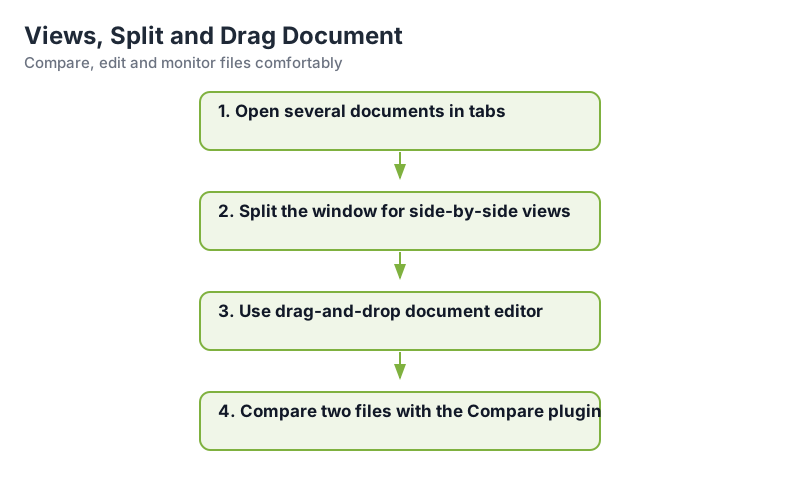
View > Move/Clone Current Document lets you clone a file into a second editor pane, editing two spots of the same file at once, or side-by-side with another file.
Split Windows
View > Split Window shows the same document above and below, useful for scrolling a large text independently in both halves.
Compare Plugin
Open two files, then Plugins > Compare > Compare. Differences highlight line by line with color, and buttons jump between them or revert one side, invaluable for config audit.
Drag-and-Drop Editing
Settings > Preferences > Misc > Enable Drag and Drop Text Editing, then select text and drag it to another position or another file tab.
Key Points
- Clone documents edit a file twice at once.
- Split window scrolls a file in two panes.
- Compare highlights differences accurately.
- Drag-and-drop moves text between files.