Kotlin Setup and First Program
Harry
· 23 Sep 2026
· 3 views
Log in to track your progress and mark lessons complete.
Sponsored
 Subscribe on YouTube
Watch Now →
Subscribe on YouTube
Watch Now →
Install the JDK
Kotlin needs a JDK 17+ underneath. Verify with java -version, then pick one path below.
Option 1: IntelliJ IDEA (Recommended)
- Install IntelliJ Community (free) - Kotlin plugin is built in.
- New Project, language Kotlin, build system IntelliJ or Gradle.
- Write
main.kt, press Run - zero configuration.
Option 2: Command Line Compiler
# install via SDKMAN or brew, then:
kotlinc hello.kt -include-runtime -d hello.jar
java -jar hello.jar
Option 3: Online Playground
Learn syntax instantly at play.kotlinlang.org - no install at all. Perfect for the first five lessons of this tutorial.
Your First Program
fun main() {
    println("Hello, GroovyGrails learner!")
}
No classes, no semicolons, no public static void ceremony.
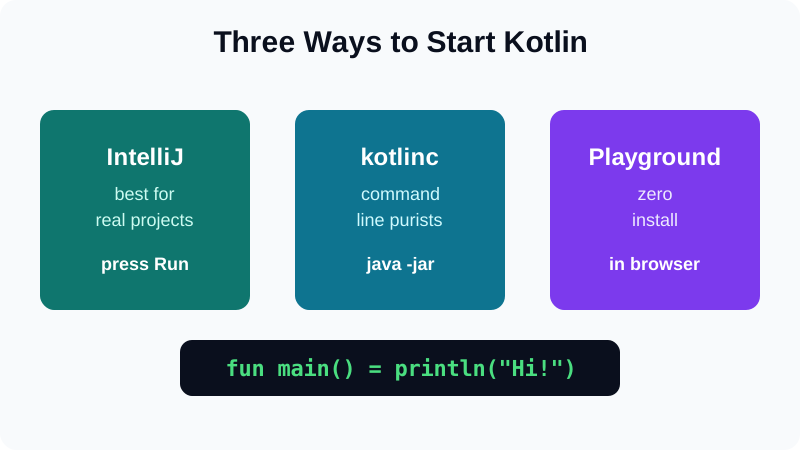
- IntelliJ gives the smoothest start; playground is fastest.
- Every example here runs with plain
kotlinctoo. - Always match the JDK version to your tutorial series.