Extensions and the Marketplace
Harry
· 13 Sep 2026
· 2 views
Finding Extensions
Ctrl+Shift+X opens the Extensions view. Search by tool, language or feature; every listing shows ratings, downloads and install size before you click Install.
Essential Extension Categories
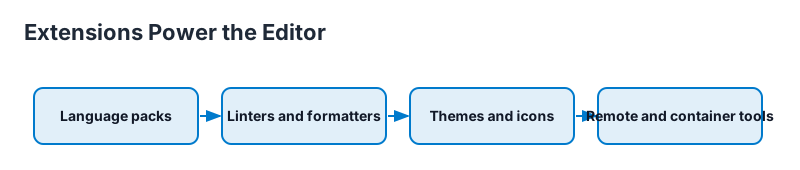
- Language packs - Python, Java, Go, Rust support.
- Linters and formatters - ESLint, Prettier, Ruff.
- Git helpers - GitLens for richer history.
- Productivity - Live Share for pair programming.
- Themes and icons - Change look instantly.
Recommended Pack Pattern
Microsoft maintains extension packs per language, for example the Python pack, which loads the interpreter, debugger and linter in one click. Start with a pack, then trim.
Manage and Sync
Sync Settings (enabled with your GitHub or Microsoft account) backs up extensions, settings and snippets across machines.
Security Warning
Only install extensions you trust: check publisher, ratings and downloads, and avoid extensions asking for excessive permissions. Review installed extensions regularly.
Key Points
- The marketplace adds language and tool powers.
- Start with official language packs.
- Sync Settings restores everything on a new PC.
- Install only trusted extensions.