Backups and Restore
Harry
· 13 Sep 2026
· 1 views
Backup a Database
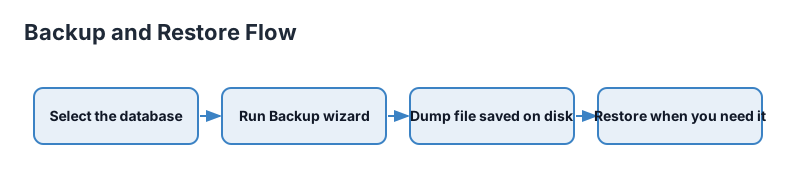
Right-click the database > Backup. Choose a file location, format (Custom is the flexible default), and press Backup. A "Custom" dump is compressed and restorable selectively.
What Runs Behind It
pgAdmin wraps pg_dump. The backup commands themselves appear in the SQL tab, so you can replicate the exact dump in scripts or CI.
Restore
Right-click the target database > Restore, point at the dump file, and tick options like Clean before restore to drop existing objects first.
Schemas and Data Only
Backup Options can restrict to schema-only (structure) or data-only, or per-schema filters - ideal for promoting staged changes or migrating subsets.
Key Points
- Custom format is the safe default.
- Restore to an empty or fresh database first.
- Schema-only vs data-only cover migration needs.
- Automate recurring dumps with pg_dump in jobs.