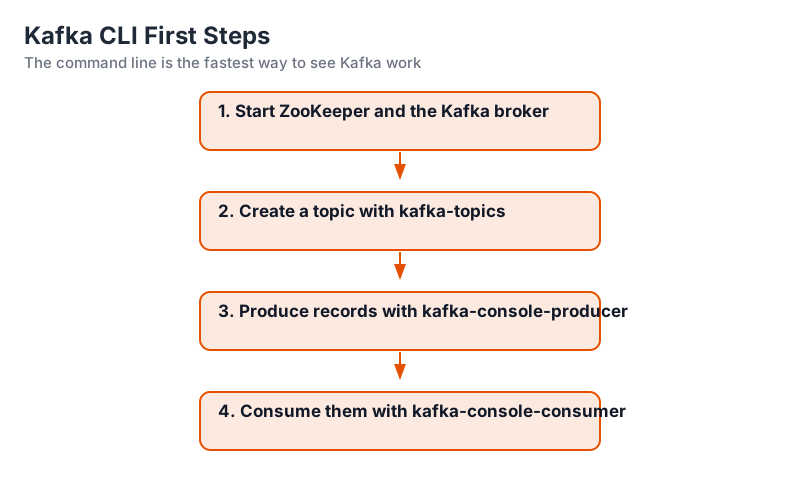
First Topic and CLI Basics
Harry
· 13 Sep 2026
· 2 views
Create a Topic
bin/kafka-topics.sh --bootstrap-server localhost:9092
  --create --topic orders --partitions 3 --replication-factor 1
List and Describe
bin/kafka-topics.sh --bootstrap-server localhost:9092 --list
bin/kafka-topics.sh --bootstrap-server localhost:9092 --describe --topic orders
Describe shows partitions, leaders, replicas and ISR - the cluster health picture for one topic.
Produce and Consume
Shell A (producer):
bin/kafka-console-producer.sh --bootstrap-server localhost:9092 --topic orders
> order-1001
> order-1002
Shell B (consumer):
bin/kafka-console-consumer.sh --bootstrap-server localhost:9092 --topic orders
  --from-beginning
Records typed in the producer print out in the consumer almost instantly.
Delete a Topic
bin/kafka-topics.sh --bootstrap-server localhost:9092 --delete --topic ordersKey Points
- kafka-topics creates and inspects topics.
- Partitions/replication factor are set at creation.
- Console producer/consumer demonstrate the loop.
- --from-beginning replays the whole history.